Build a desktop app with klain:webview
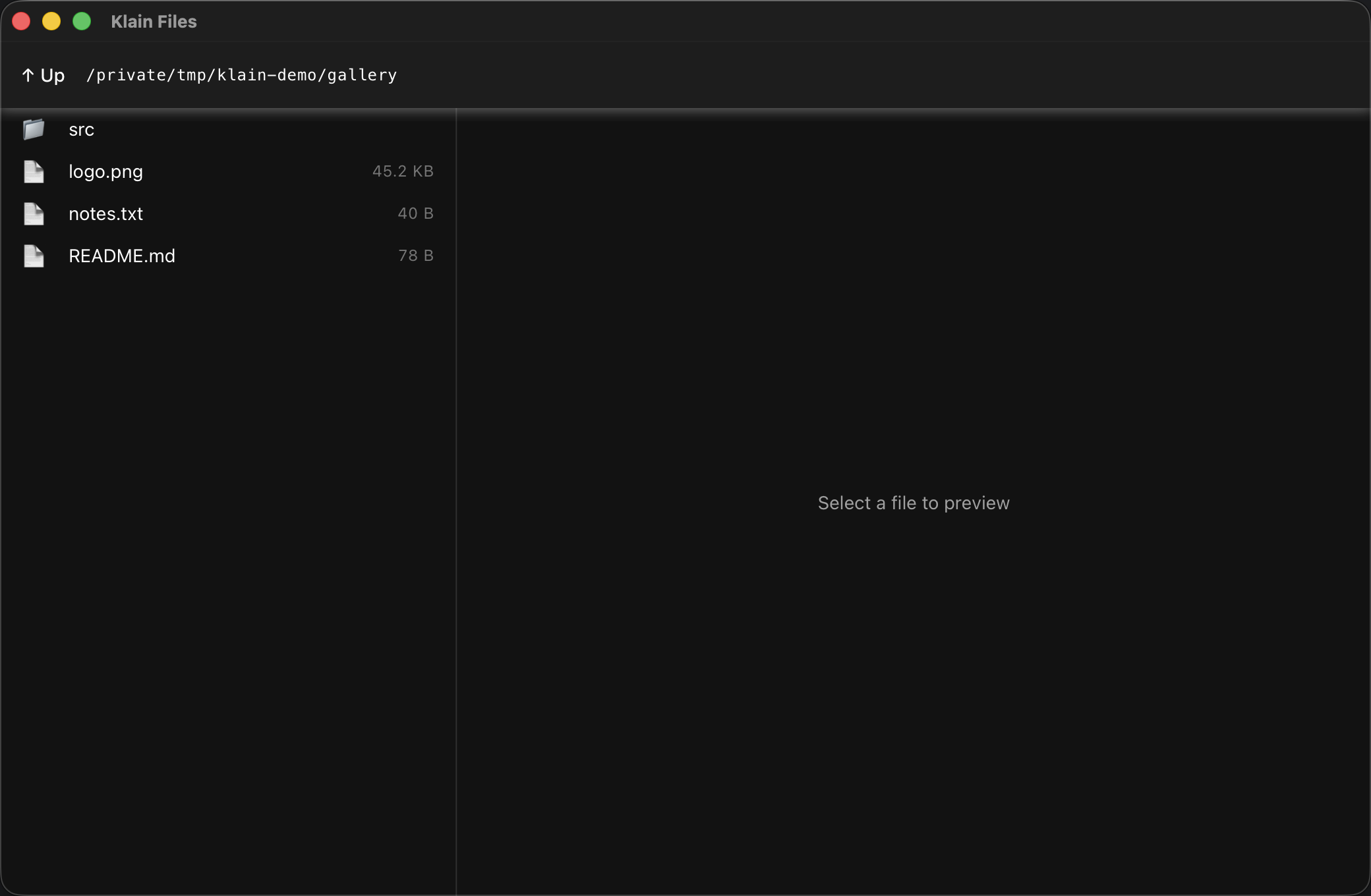
We'll build a real desktop file explorer: a native window whose UI is an ordinary Quasar single-page app, backed by real fs calls in compiled native code. The left pane lists a directory; the right pane previews the selected entry — text files as text, images inline. It compiles — with --static — to one self-contained binary with the whole UI embedded; no browser, no Electron, no node_modules at runtime.
The mental model
A klain:webview app is two halves that meet at a tiny bridge:
- The page — a normal web UI (here a Quasar SPA) rendered by the OS's own webview (WebKit on macOS, WebKitGTK on Linux). It knows nothing about the filesystem.
- The native side — your compiled TypeScript. You expose functions to the page with
w.bind(name, fn); the page calls them aswindow.name(...)andawaits the result. That's the only channel between them.
So the UI is web, but every privileged action — reading a directory, opening a file — is a native call. This guide's app exposes four: home, listDir, readText, and readImage.
1 · The window
The whole native program is small. serve points at a folder of static assets (our built SPA); at compile time those bytes are embedded into the binary and served from an in-binary loopback server, so the finished executable needs no dist/ beside it. We vendor Quasar's and Vue's UMD builds into that folder so the app is fully offline — no CDN.
import { Webview } from 'klain:webview'
import { readdirSync, readFileSync, readFileSyncBytes, statSync } from 'fs'
import { join, extname } from 'path'

const w = new Webview({
  title: 'Klain Files',
  width: 1040,
  height: 680,
  serve: './file-explorer/dist',   // embedded into the binary at compile time
})

// ...binds go here...

w.run()
Two ways to supply the page: w.html(`…`) for a single inline HTML string, or serve for a whole asset folder (what we use, since Quasar is several files). Both expose the same w.bind bridge.
2 · The native bridge
Each w.bind registers a function the page can call. The contract is simple and worth getting exactly right: the page's call arguments arrive as one JSON-array string, and your handler returns a JSON string that the page receives already parsed. So the pattern is parse the args, do the work, stringify the result:
type Entry = { name: string; path: string; isDir: boolean; size: number }

// listDir(path): a directory's entries as { name, path, isDir, size }.
w.bind('listDir', (args: string): string => {
  const parsed: string[] = JSON.parse(args)   // typed target — required
  const dir = parsed[0]
  const names = readdirSync(dir)
  const out: Entry[] = []
  for (let i = 0; i < names.length; i++) {
    const full = join(dir, names[i])
    let isDir = false, size = 0
    try { const st = statSync(full); isDir = st.isDirectory(); size = st.size } catch (e) {}
    out.push({ name: names[i], path: full, isDir, size })
  }
  return JSON.stringify(out)
})

// readText(path): a text file's contents.
w.bind('readText', (args: string): string => {
  const parsed: string[] = JSON.parse(args)
  return JSON.stringify({ text: readFileSync(parsed[0]) })
})
JSON.parse here is type-directed — it only projects into a type-annotated target. Write const a: string[] = JSON.parse(args), not a bare const a = JSON.parse(args) (which yields nothing to index). This is the one easy-to-miss rule of the bridge.
3 · Previewing files
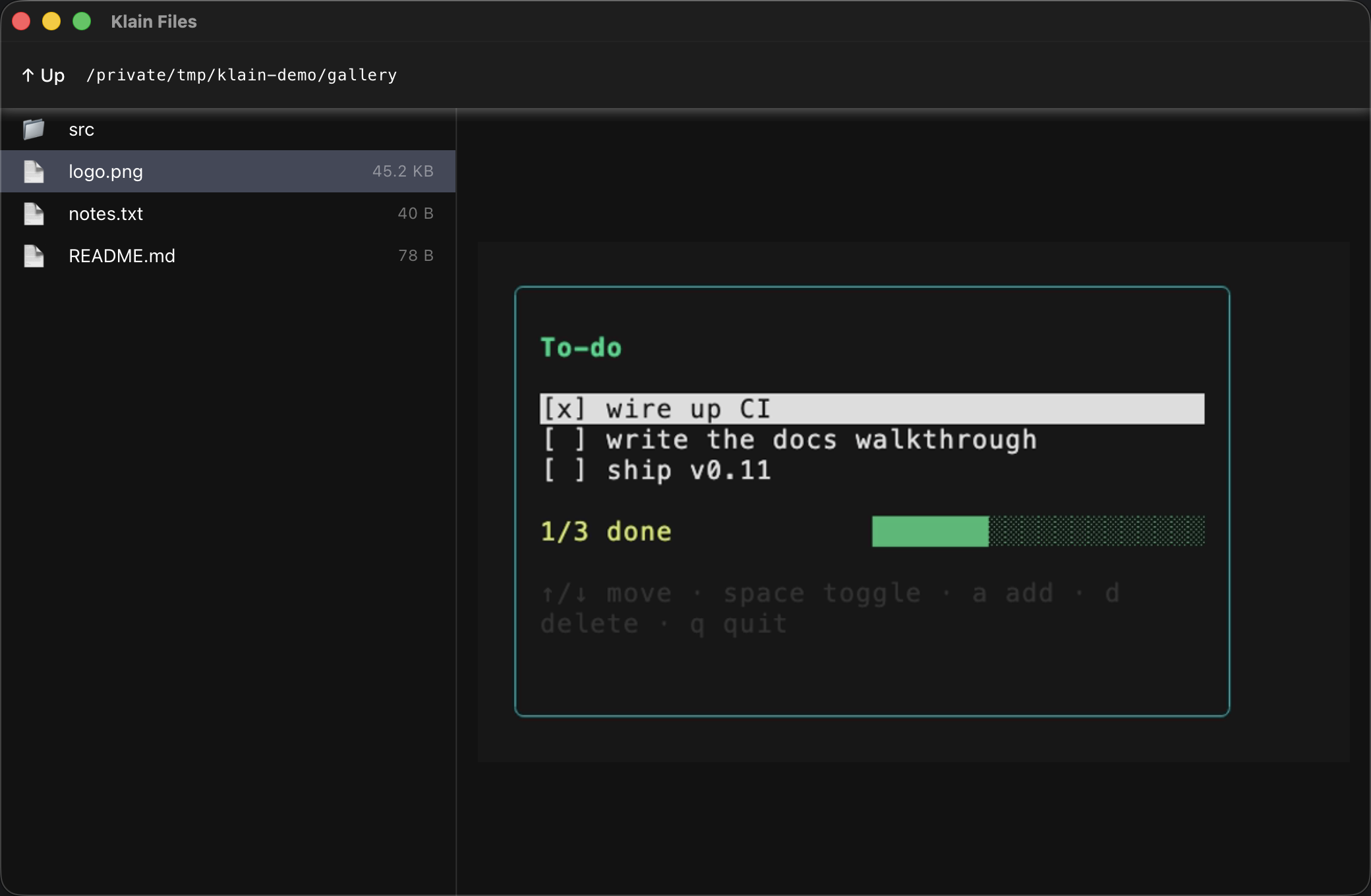
Text is the easy case — readFileSync hands the page a string. Images need a little more: read the raw bytes with the binary-safe readFileSyncBytes, base64-encode them with Buffer, and return a data: URL the page can drop straight into an <img>. No temp files, no static-file plumbing:
// readImage(path): the file as a base64 data URL the <img> can show directly.
w.bind('readImage', (args: string): string => {
  const parsed: string[] = JSON.parse(args)
  const path = parsed[0]
  const ext = extname(path).toLowerCase()
  const mime = ext === '.png' ? 'image/png'
             : ext === '.gif' ? 'image/gif'
             : ext === '.svg' ? 'image/svg+xml' : 'image/jpeg'
  const bytes = readFileSyncBytes(path)                 // binary-safe read
  const b64: string = Buffer.from(bytes).toString('base64')
  return JSON.stringify({ dataUrl: 'data:' + mime + ';base64,' + b64 })
})
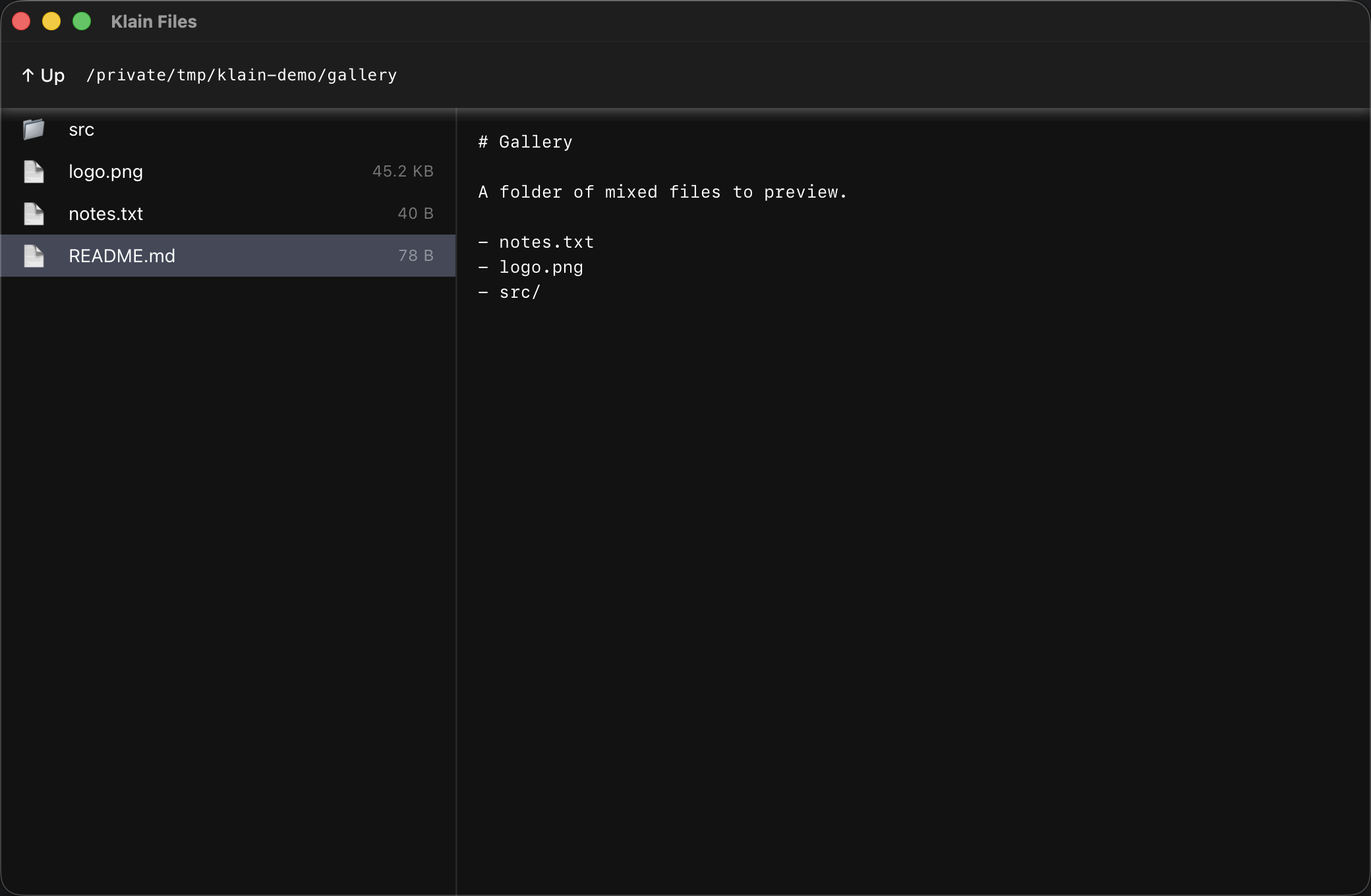
On the page side, a click decides which native call to make from the file's extension, and the result drives a `v-if` between a text pane and an image pane:
4 · The UI is just Quasar
Nothing about the front-end is special to klain:webview — it's a stock Quasar app (QLayout, QList, QScrollArea, dark mode) driving those four native calls through one small helper. Because the page is plain web tech, you author and style it exactly as you would any Quasar app; the native binary just gives it a window and a filesystem.
<!-- the page calls native binds through one helper -->
const native = async (fn, ...args) => {
  const r = await window[fn](...args)          // args are passed straight through
  return typeof r === 'string' ? JSON.parse(r) : r
}

async function open (entry) {
  if (entry.isDir) return load(entry.path)
  const ext = entry.name.split('.').pop().toLowerCase()
  if (['png','jpg','jpeg','gif','svg'].includes(ext)) {
    preview.value = { kind: 'image', src: (await native('readImage', entry.path)).dataUrl }
  } else {
    preview.value = { kind: 'text', text: (await native('readText', entry.path)).text }
  }
}
// ...rendered with QList on the left and a QScrollArea / <img> on the right.
Good to know
- Offline & self-contained. Vendoring the UMD builds and using
servemeans the shipped binary embeds the entire UI — it runs with no network and no files beside it.serve's path is resolved at compile time. - The bridge is the boundary. The page can only do what your binds let it; the exposed functions are the whole trust surface. This explorer is deliberately read-only.
- One window per process in this release; the app loop (timers, promises) runs on the GUI thread, so servers or other fd-driven loops still belong in a Worker.
- Platform. macOS needs zero extra dependencies; Linux needs the WebKitGTK dev packages at build time.